Composite, generate, and finish your shot.

Bring AI generation, 2D/3D tracking, and node-based compositing together in one workspace—so you can clean up plates, integrate 3D elements, explore AI variations, and finish the composite without leaving your shot graph.

Free for indie artists and studios under $1M in revenue or project budget. Details ↓
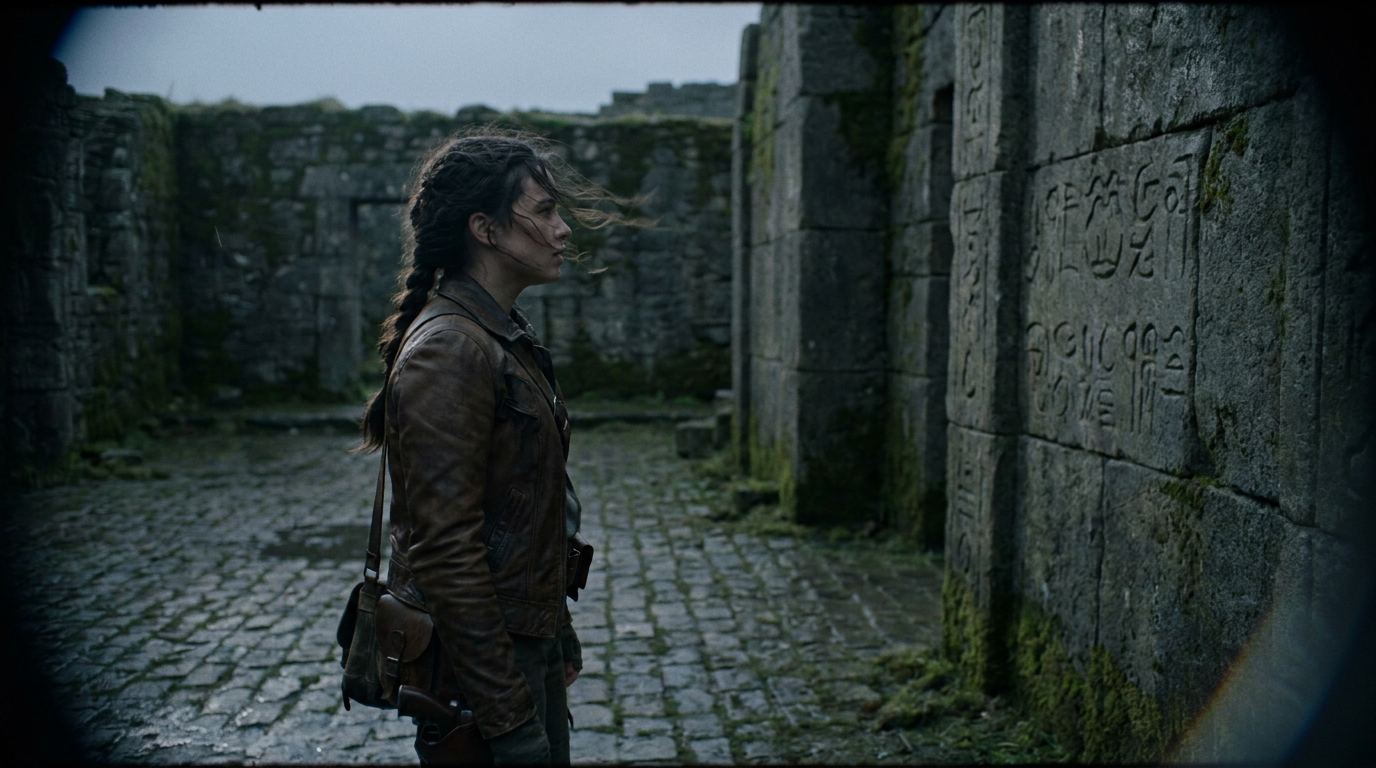
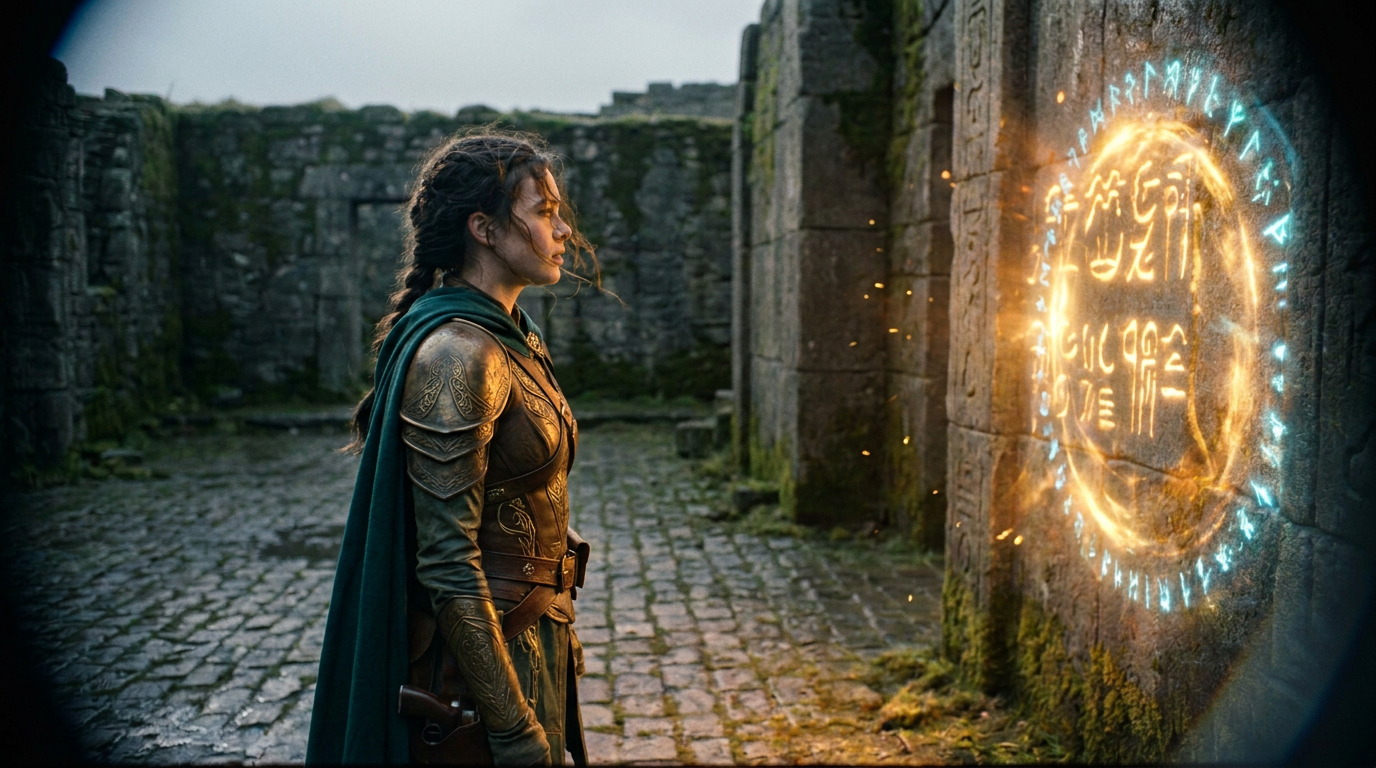
Drag to compare the original plate and finished shot, switch passes, or click any node in the graph below. Note: This interactive demo and its simplified node graph are illustrative of creative workflows and not a 1:1 mapping to how FluxShot Editor actually works.
Shot:
FluxShot Editor | Shot 01: Sanctuary Rune Portal
Illustrative concept demo · Simplified node graph & passes (not a 1:1 mapping to the actual app)
Original Camera Plate Finished Composite
A · Finished Composite
B · Original Plate
Illustrative Shot Graph — conceptual workflow overview, not a 1:1 mapping to FluxShot Editor's node graph Click any node to inspect its role · Double-click to load in Viewer A
Load PlateBLocation Plate3D Camera TrackCamera & Floor GridSubject MaskCharacter IsolateClean PlateRemove Subject3D Wall ProjectionARune Portal CardAI Wardrobe & RelightASaved Take 04Composite MergeACombine LayersViewer Preview1 · Final Shot2 · Original Plate3 · Mask & Track4 · Clean Plate

Everything your shot needs in one graph

Move from raw production footage to a finished composite without round-tripping between separate tracking, rotoscoping, AI generation, and finishing tools.

Clean up your shot 01

Clean up your shot

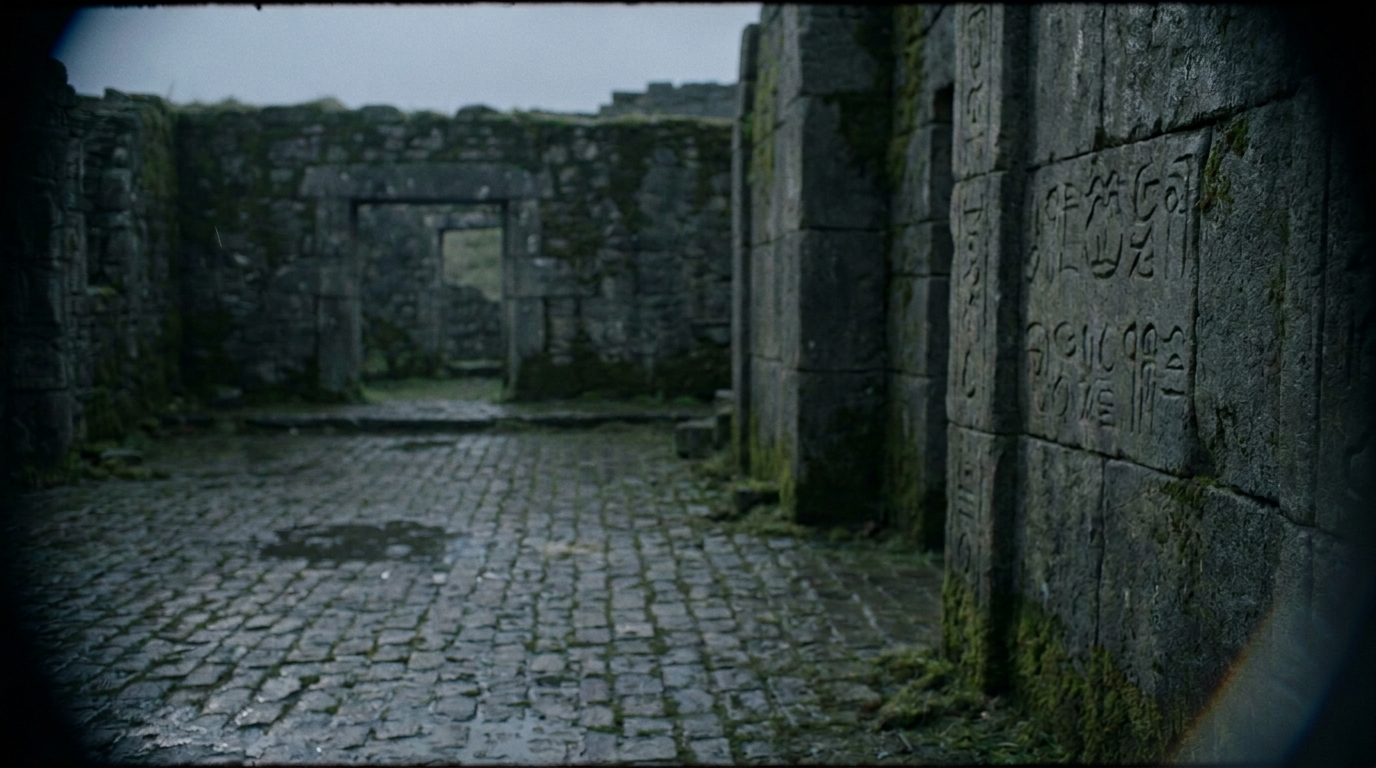
Isolate moving subjects with AI-assisted masks and reconstruct clean background plates automatically from surrounding frames—without manual frame-by-frame clone painting.

Subject isolated and stone archway reconstructed from surrounding frames.
Build your composite 02

Build your composite

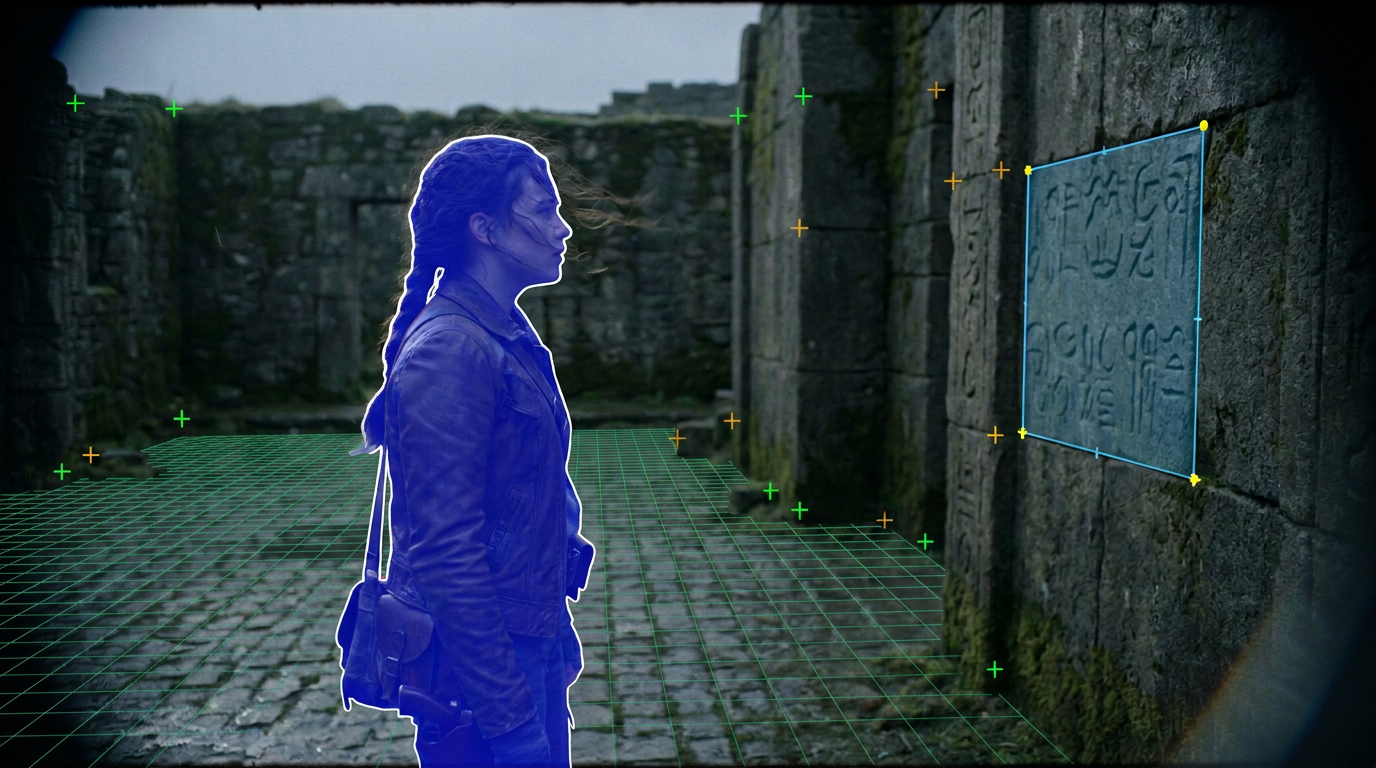
Solve 3D camera motion, track planar walls and floors, project new elements into the scene with natural perspective, and finish the blend and color grade in one graph.

3D camera track, ground grid, and planar surface guide locked to the shot.

Explore AI variations 03

Explore AI variations

Generate and compare multiple AI takes directly inside your node graph. Audition saved variations side by side and keep developing your composite without losing earlier passes.

Saved AI wardrobe and relighting variation combined with 3D wall projection.

Assistive automation when you want it

Let an AI assistant or script handle repetitive setup—like building a clean-plate graph, running a camera track, or batch-rendering shots—while keeping every creative decision and paid generation under your control.

Delegate routine setup

Ask an AI assistant to wire up common node trees, prepare holdout masks, or organize passes so you can jump straight to creative refinement.

Repeatable across shots

Apply a proven cleanup or look-development graph across multiple shots from the desktop interface or command line, using your local GPU or a studio render machine.

No surprise cloud charges

Scrubbing, previewing, and compositing use your saved takes. Paid external AI models are locked behind explicit artist approval and never run accidentally.

Availability & FAQ

FluxShot Editor is currently in pre-launch development for macOS and Linux.

Who qualifies for free access?

FluxShot Editor is free for indie artists, freelancers, and small studios when both the entity commissioning or funding the work and the total production budget of the project are under $1 million USD. Contractors can use the free license for independent clients under that threshold; work on productions or for studios above $1 million requires a commercial license.

When will FluxShot Editor be available?

FluxShot Editor is currently in pre-launch development. Sign up below to receive launch updates and early-access invitations as release packages become available.

Can I run AI workflows on my own GPU?

Yes. FluxShot Editor can run AI workflows locally through ComfyUI on your own GPU or a connected GPU machine, and also supports optional cloud generation models when you choose to use them.

Which platforms are supported?

FluxShot Editor is a native desktop application built for macOS and Linux.